Here’s my UX Design work.
These are three application prototypes I’ve designed. You’ll see the initial paper wireframe sketches all the way to the finished prototypes. I hope you enjoy!
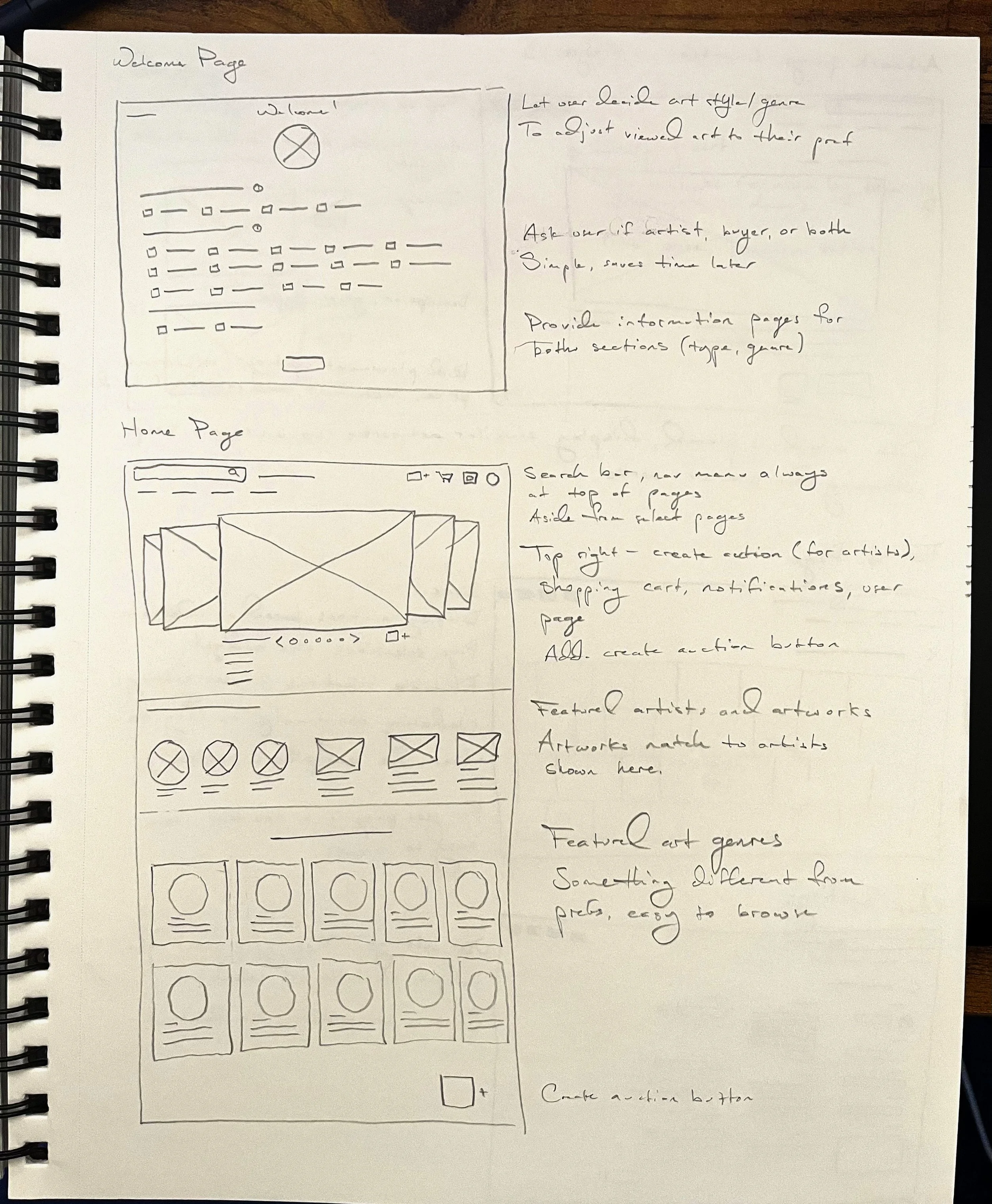
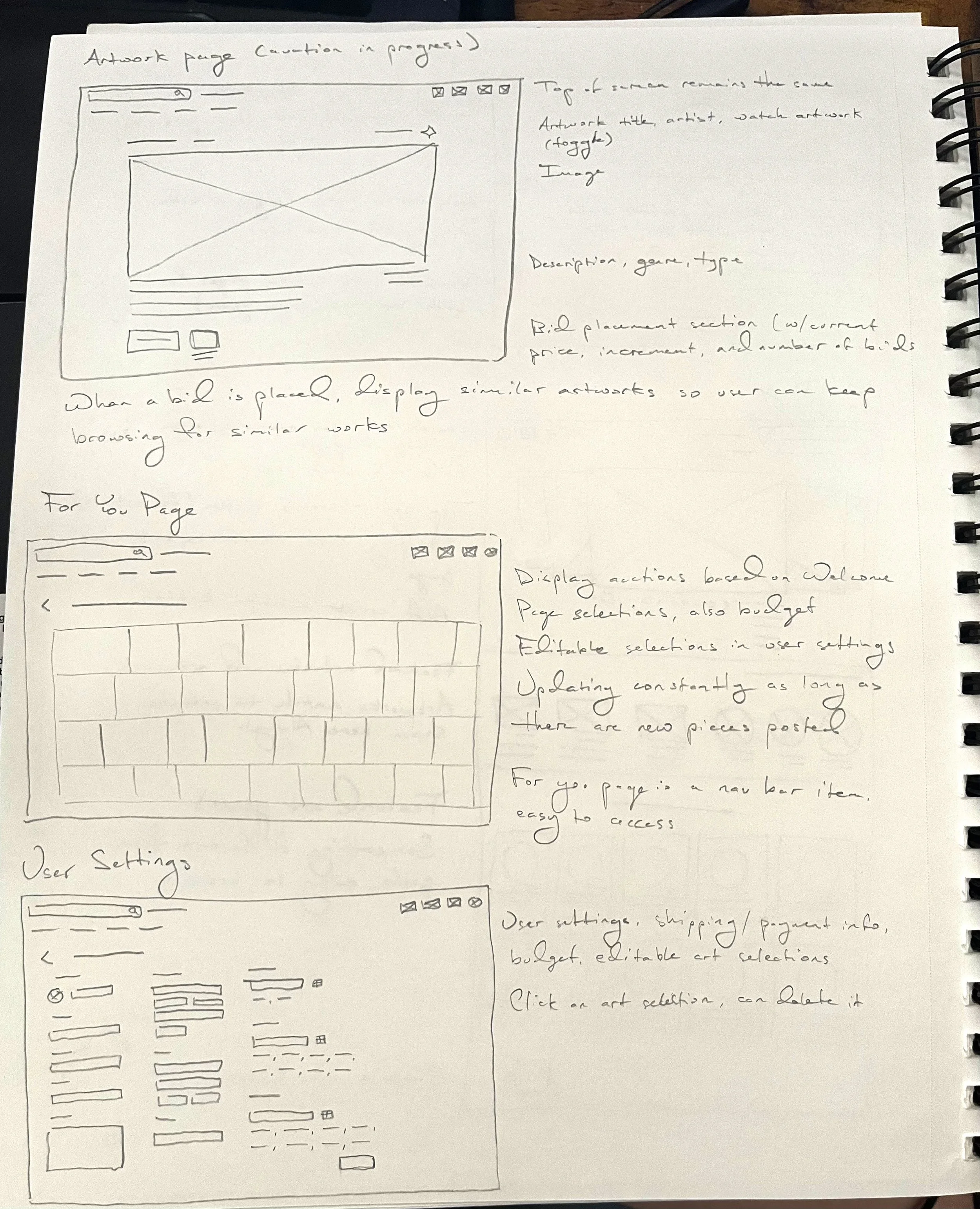
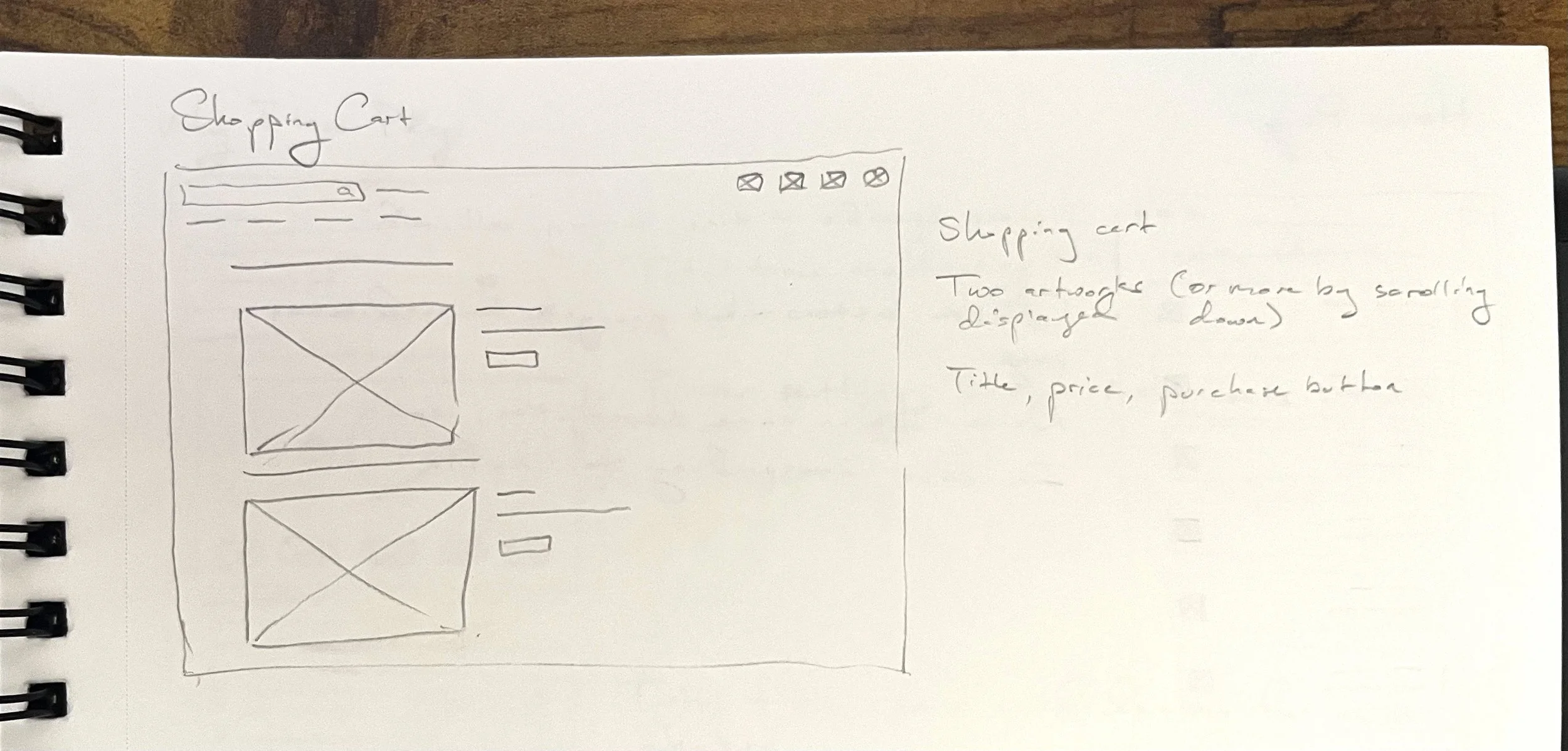
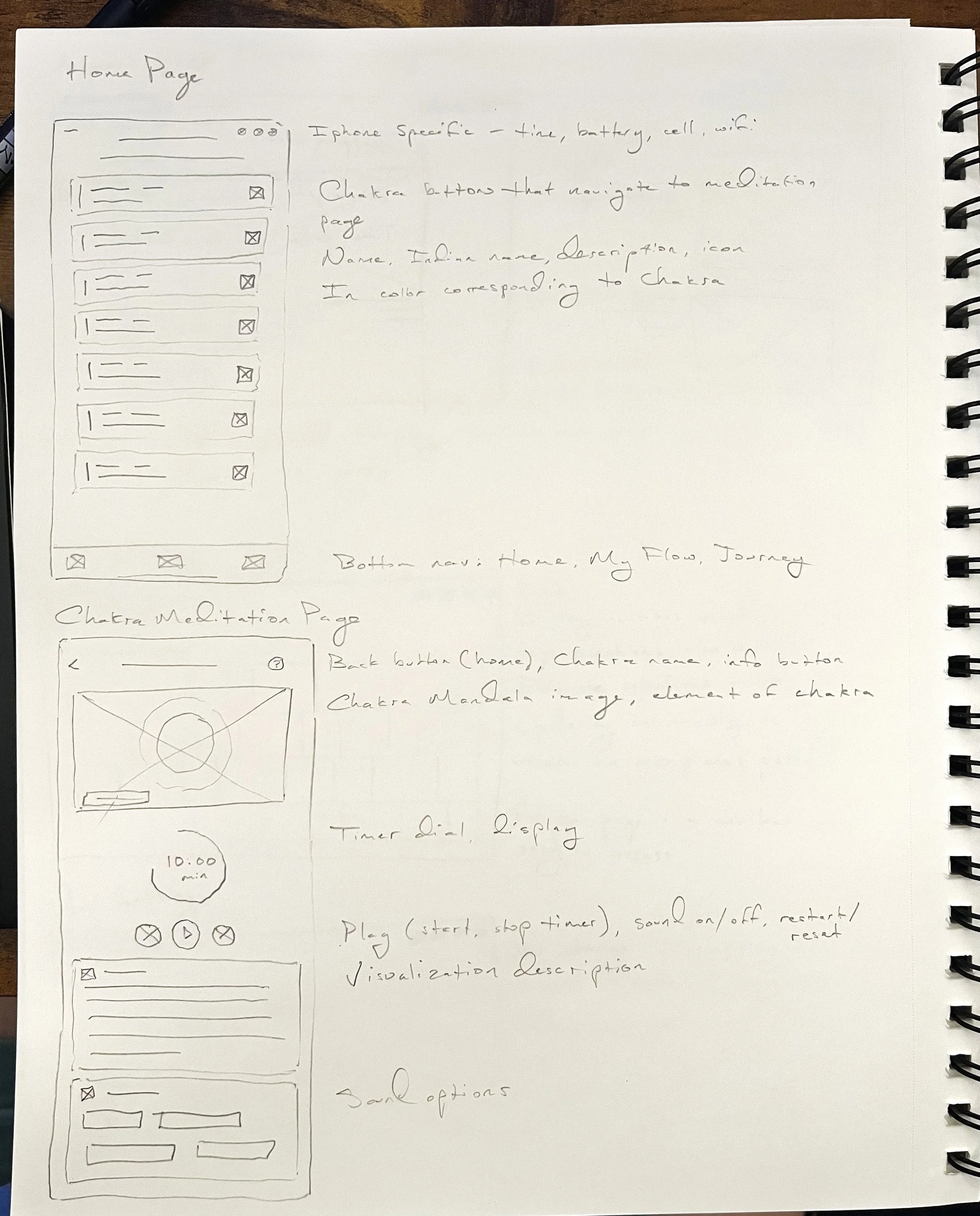
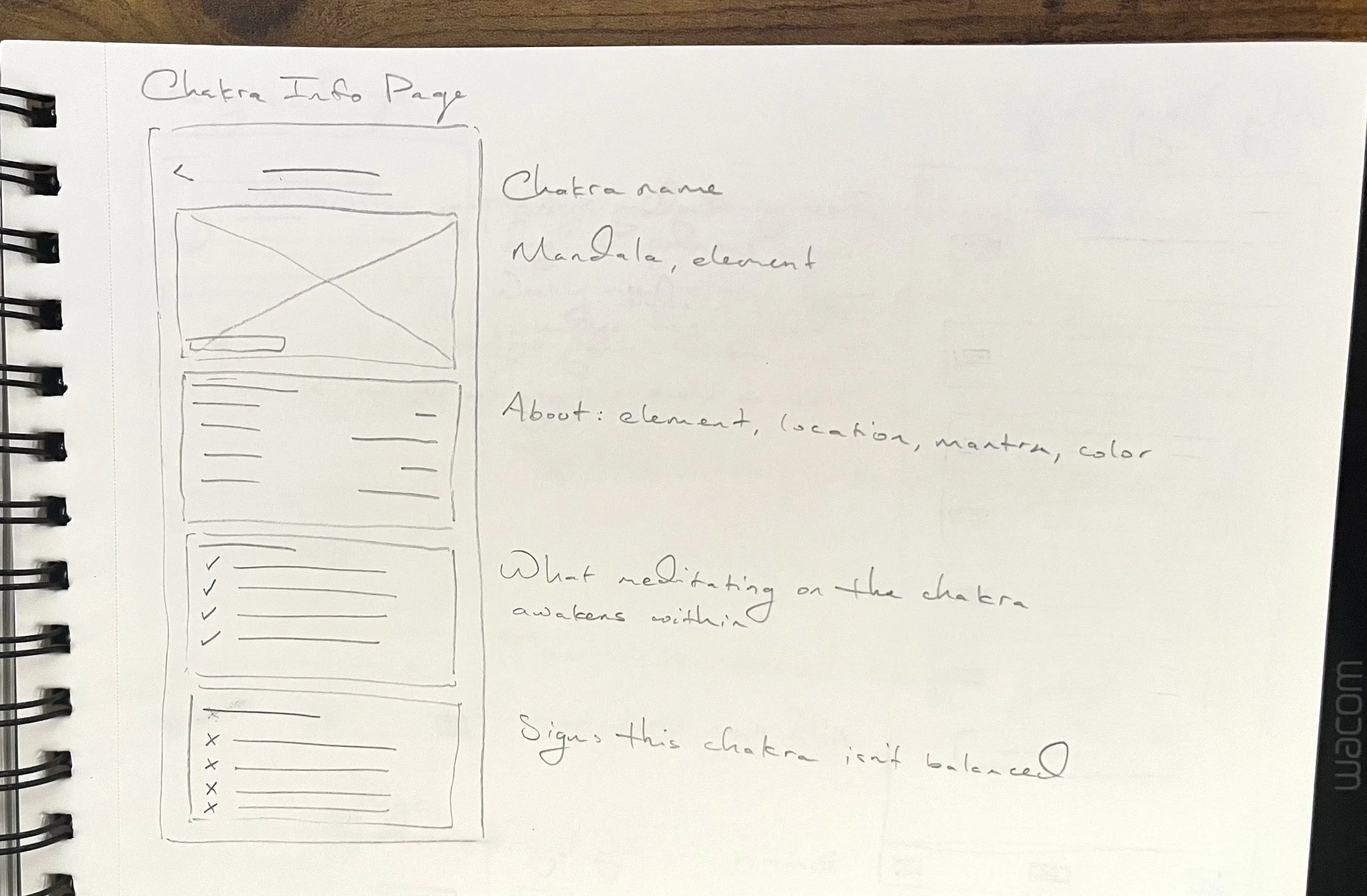
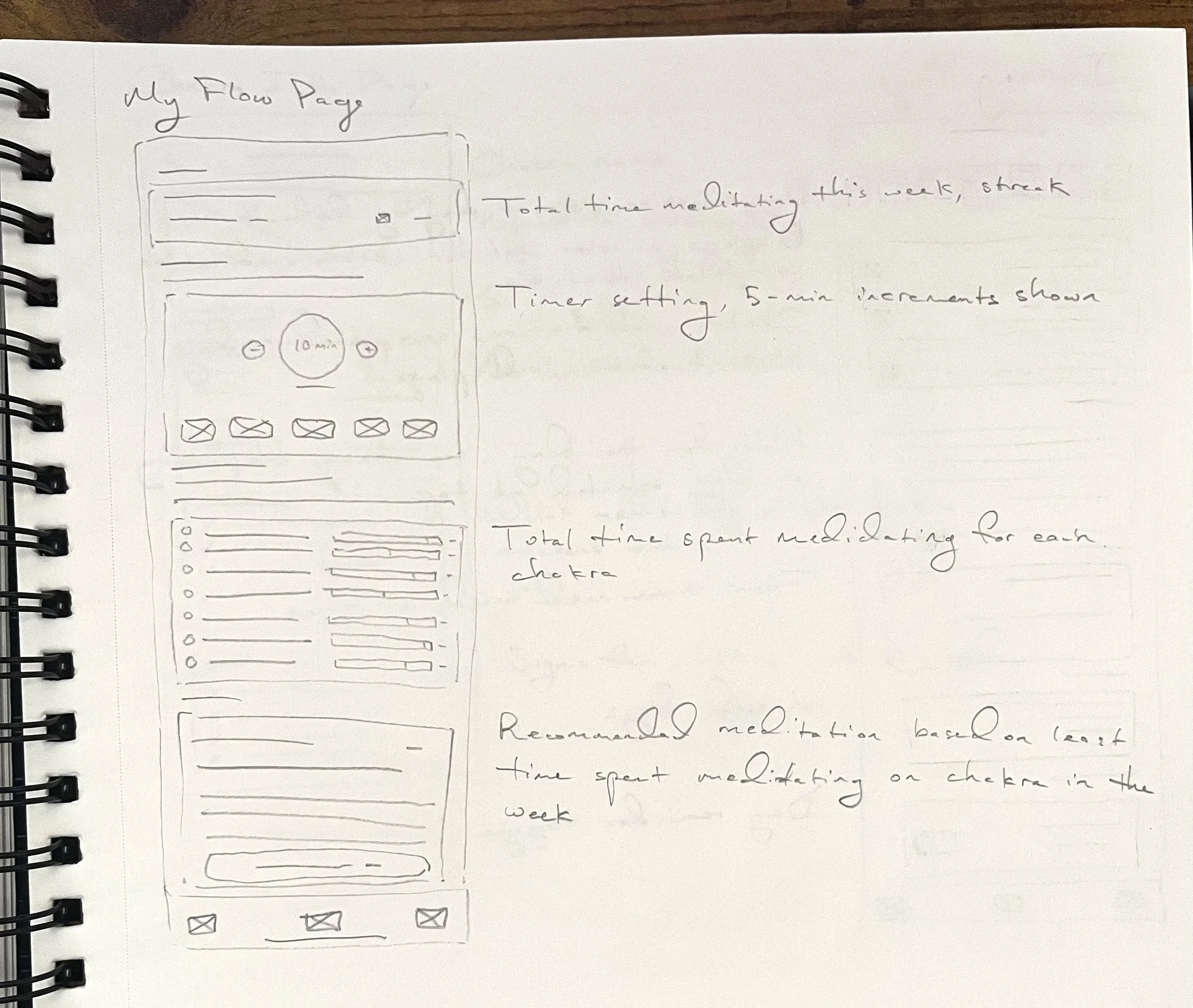
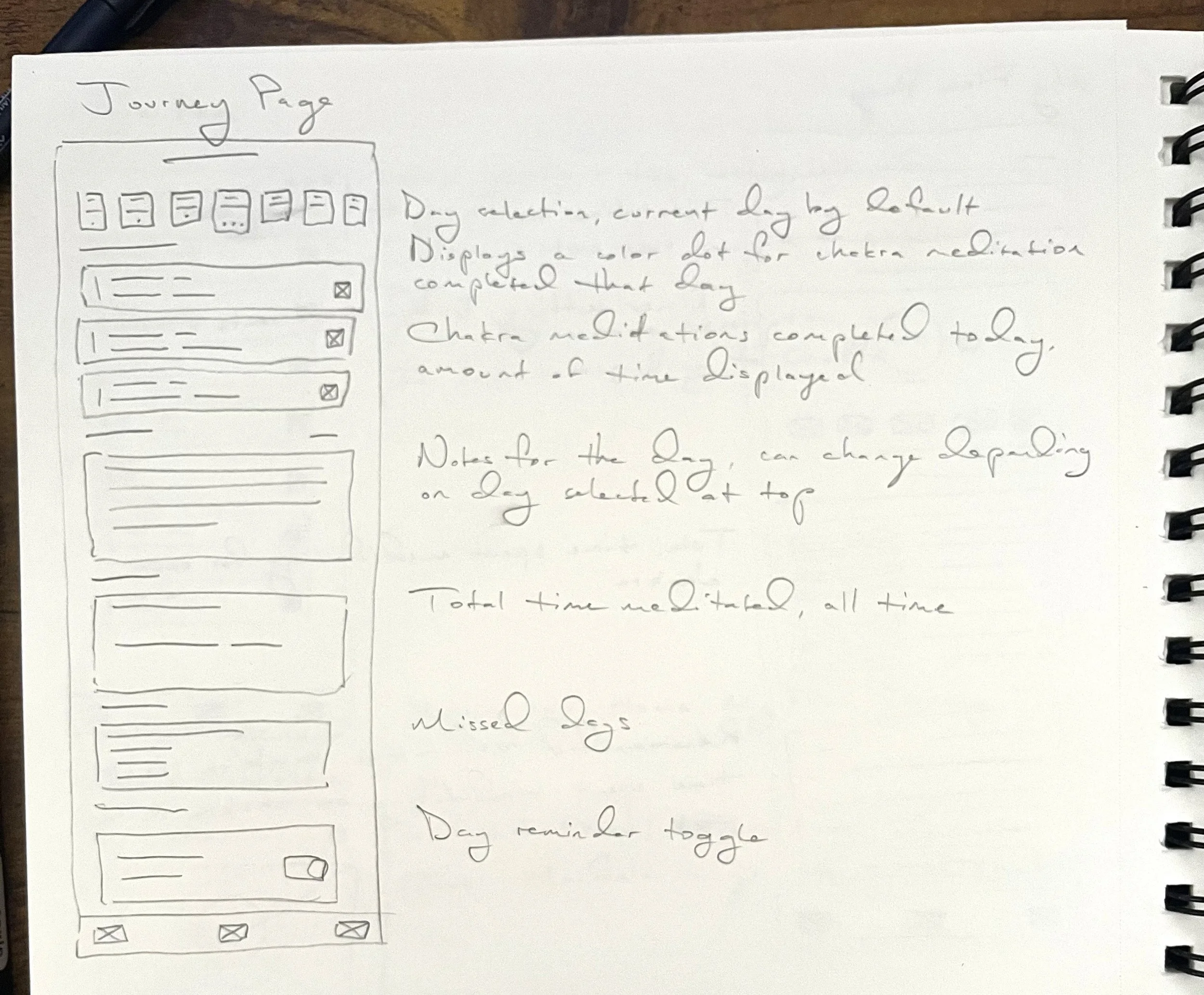
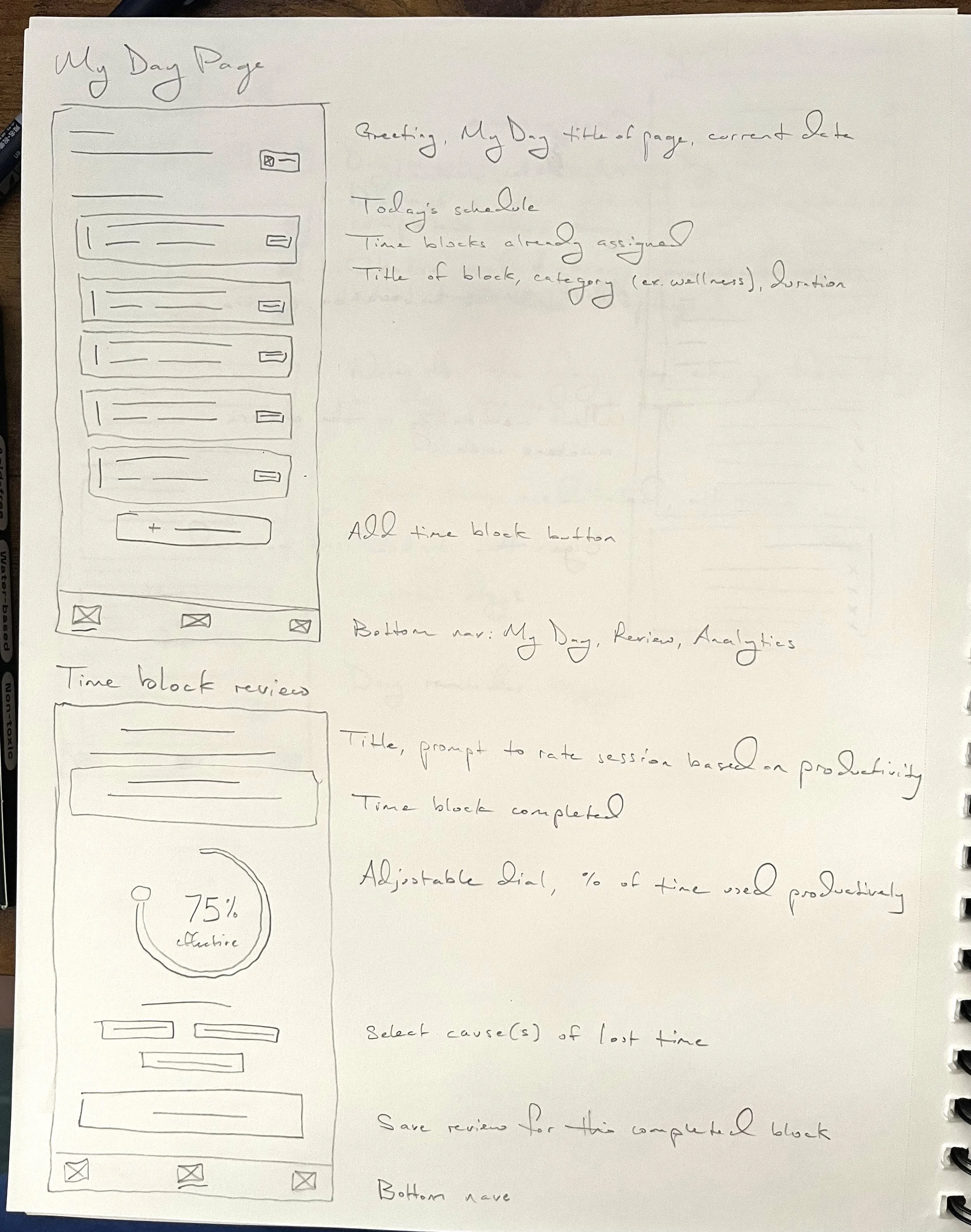
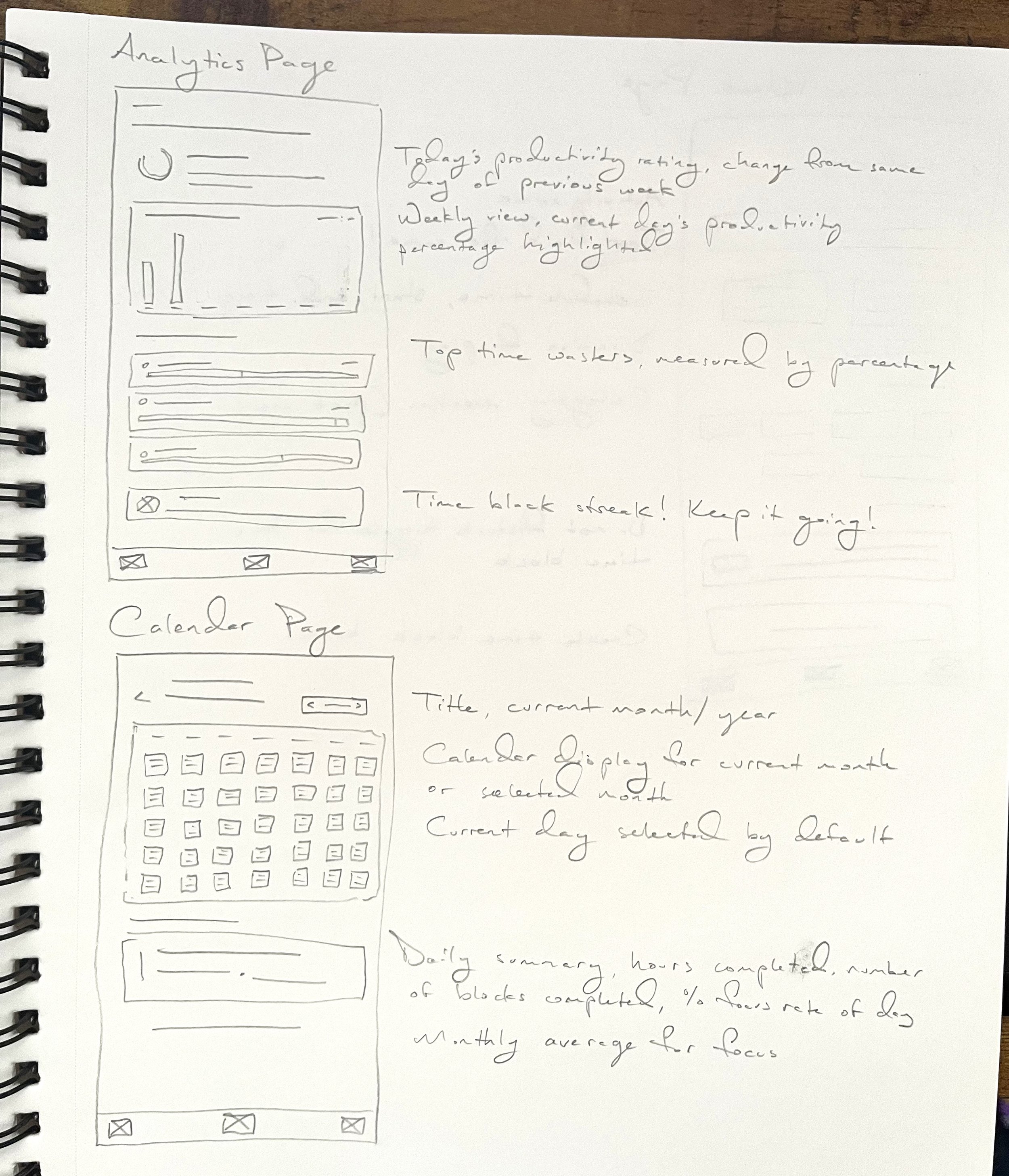
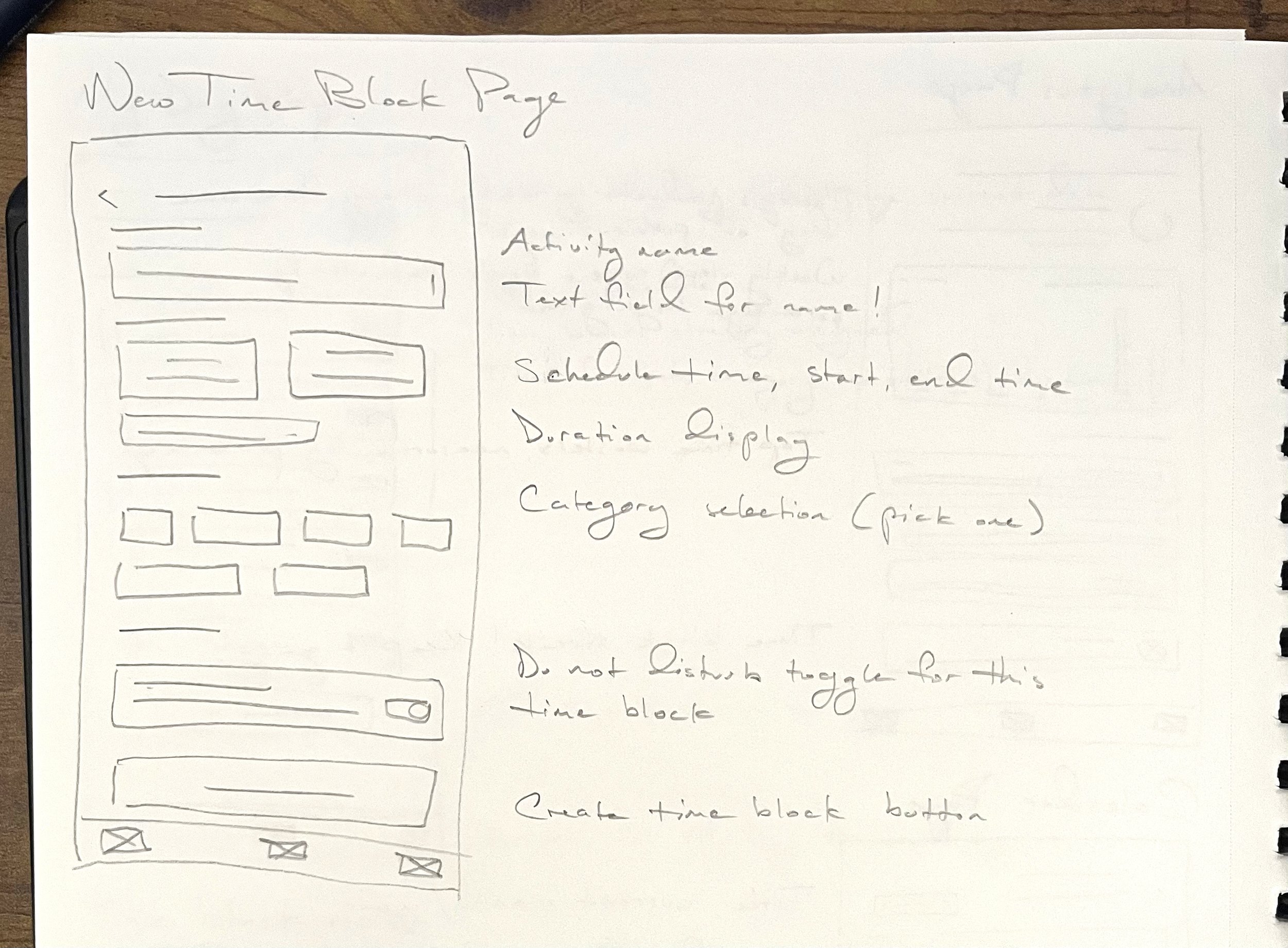
When I first began learning about UX Design work, I had no idea paper wireframes were a step in the process of design — they’re so intuitive and quick to create. If you’ve browsed the web at all, you have a great starting point to have an idea of what to draw! There’s no drawing experience or technical know-how to learn, it’s just what you’d want the pages to look like.
It then makes the process of creating the first digital prototype so simple as everything’s already laid out. To start, I thought about how a user would navigate my app, what they’d expect to see and how they’d expect the website to work, and how they’d accomplish the task(s) they set out to do.
The three apps I designed are: an art auction app, a chakra-based meditation app, and a time block productivity-tracking app.
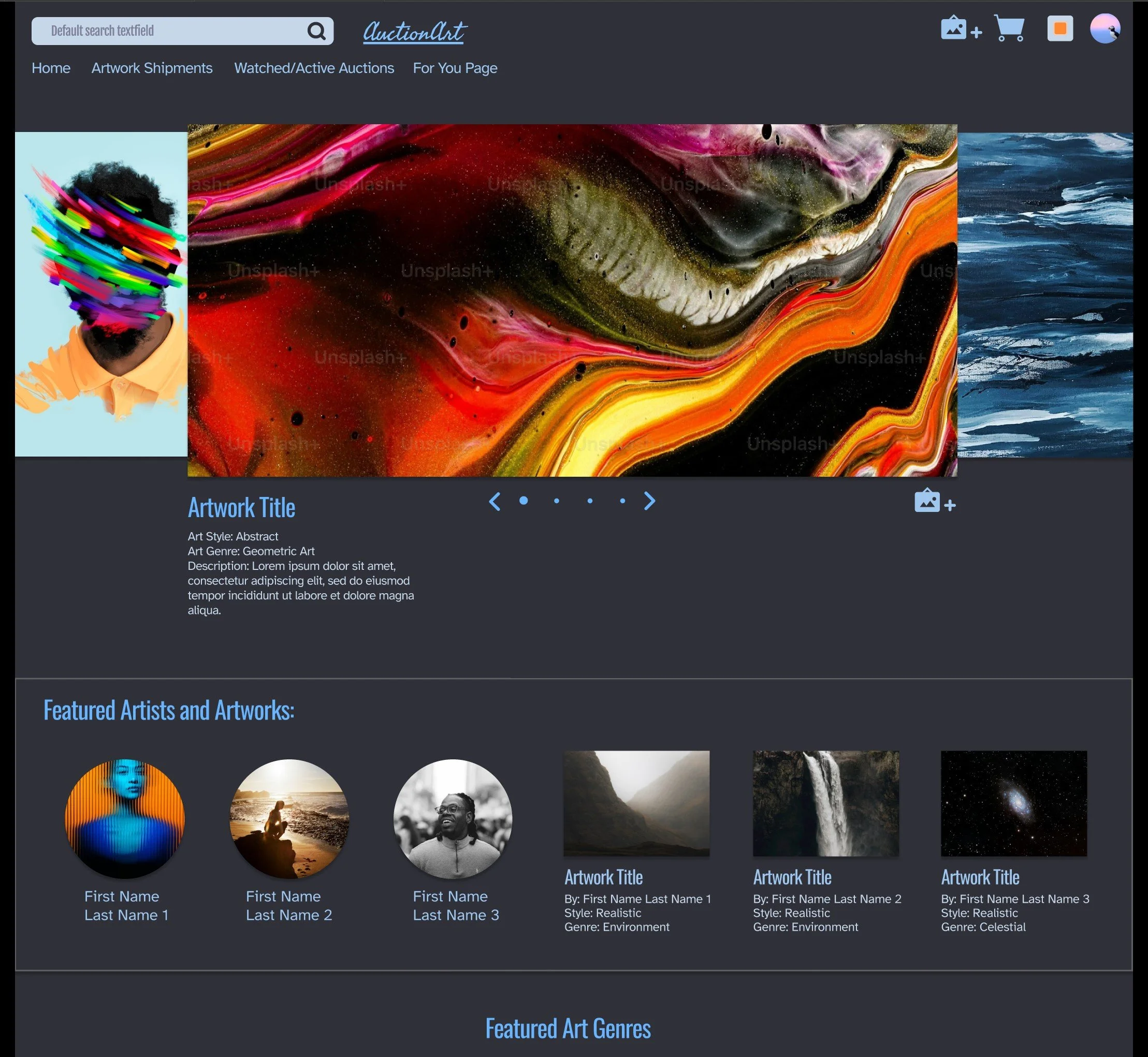
AuctionArt
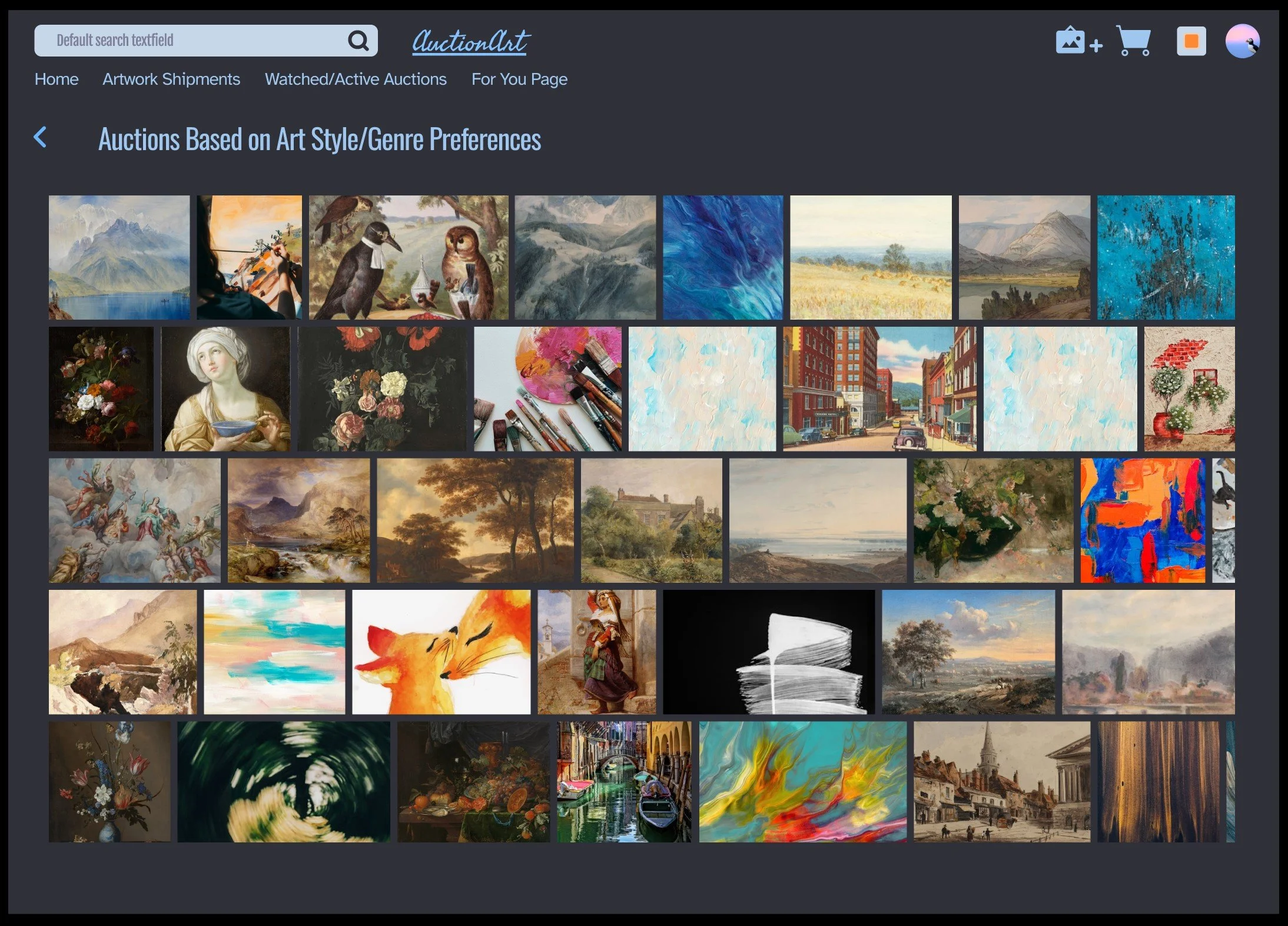
The first app prototype I designed is an art auction web application. After viewing a few already-existing art auction websites, one consistent takeaway is each had a lot of sections on each page and a lot of pages.
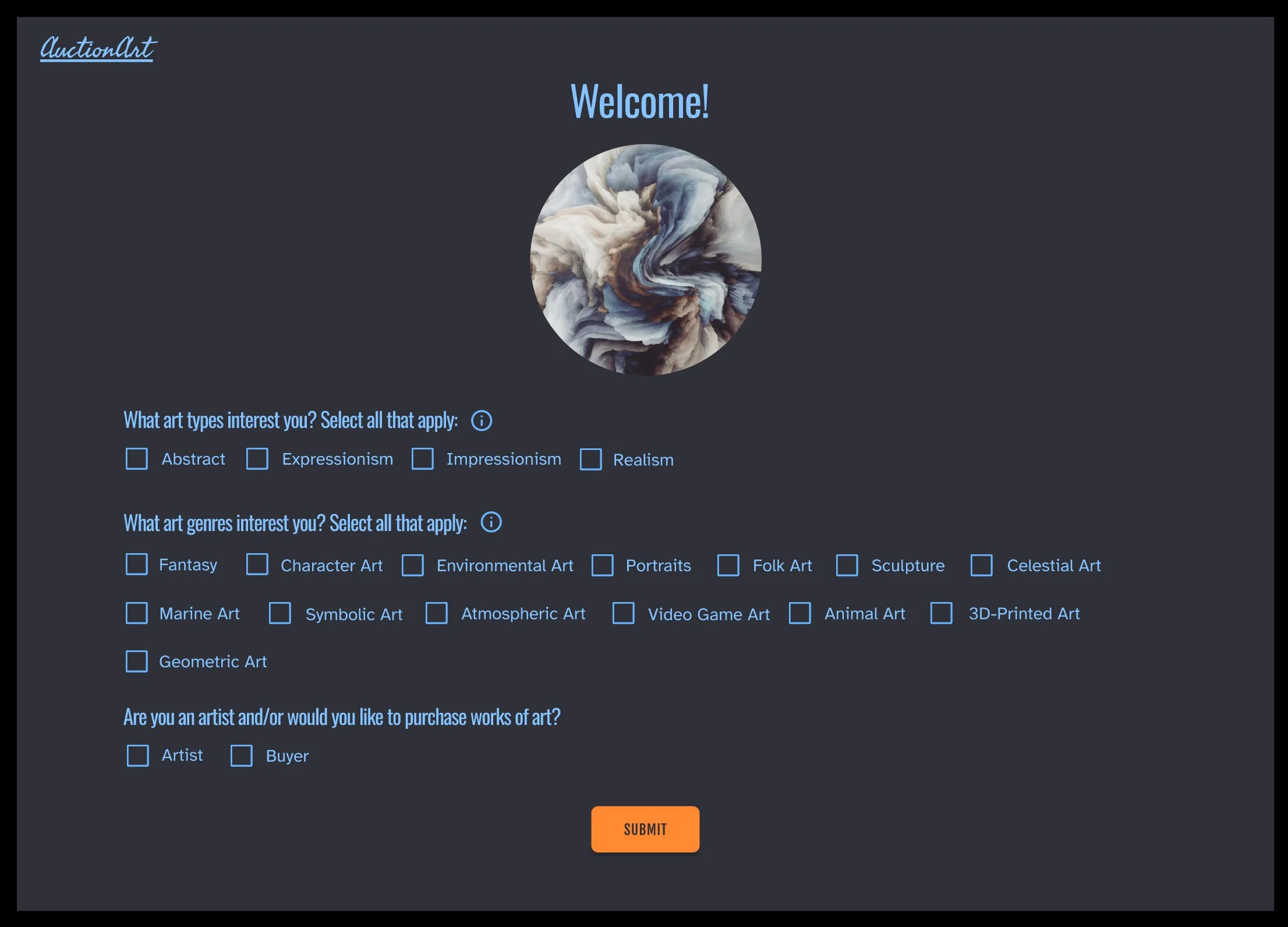
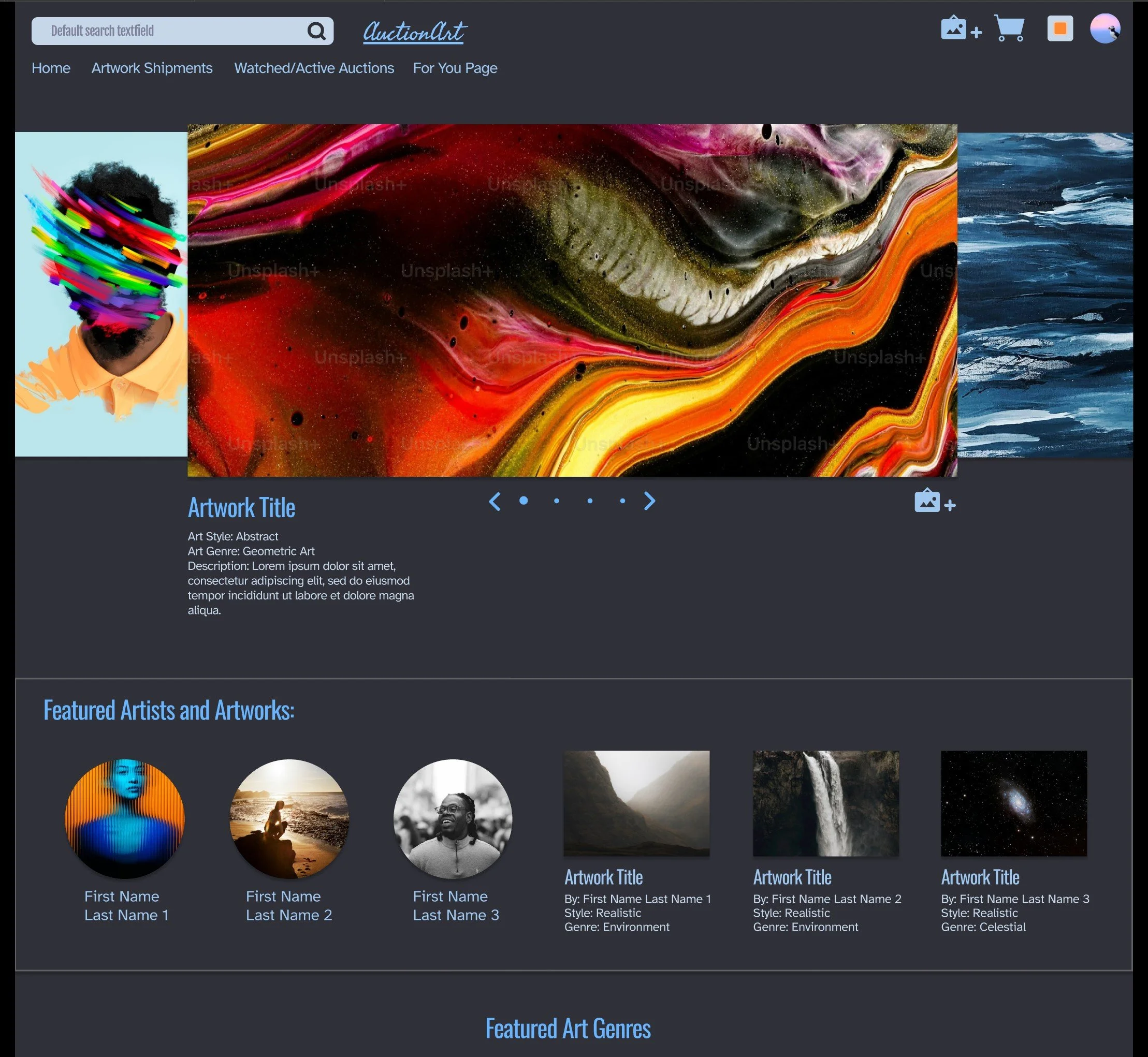
My focus with this project was to create a website that first asked “what type of art do you enjoy?” Then, with that information, artwork displayed was almost entirely limited to what is already in the user’s preference, or something they specifically searched for or clicked on.
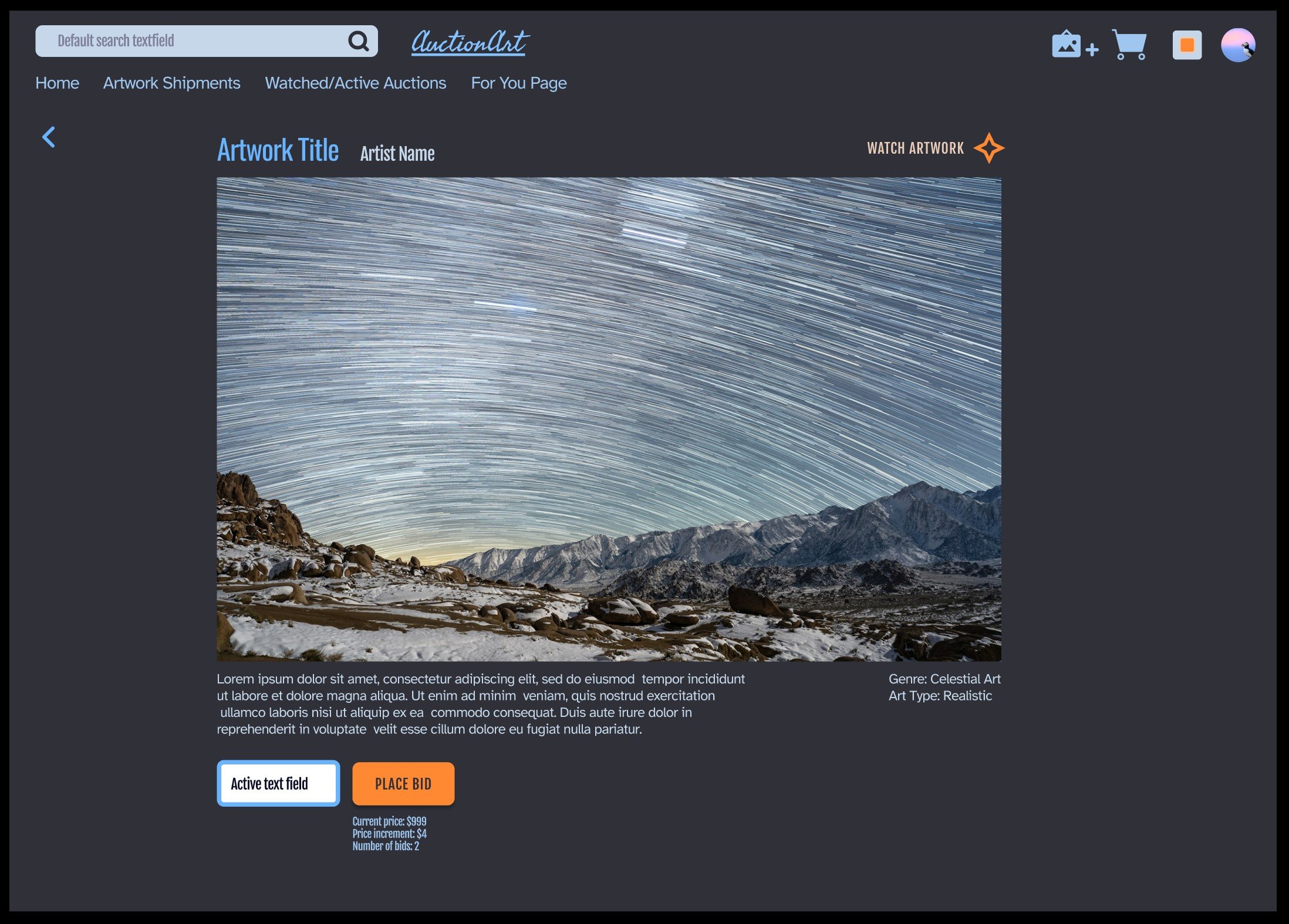
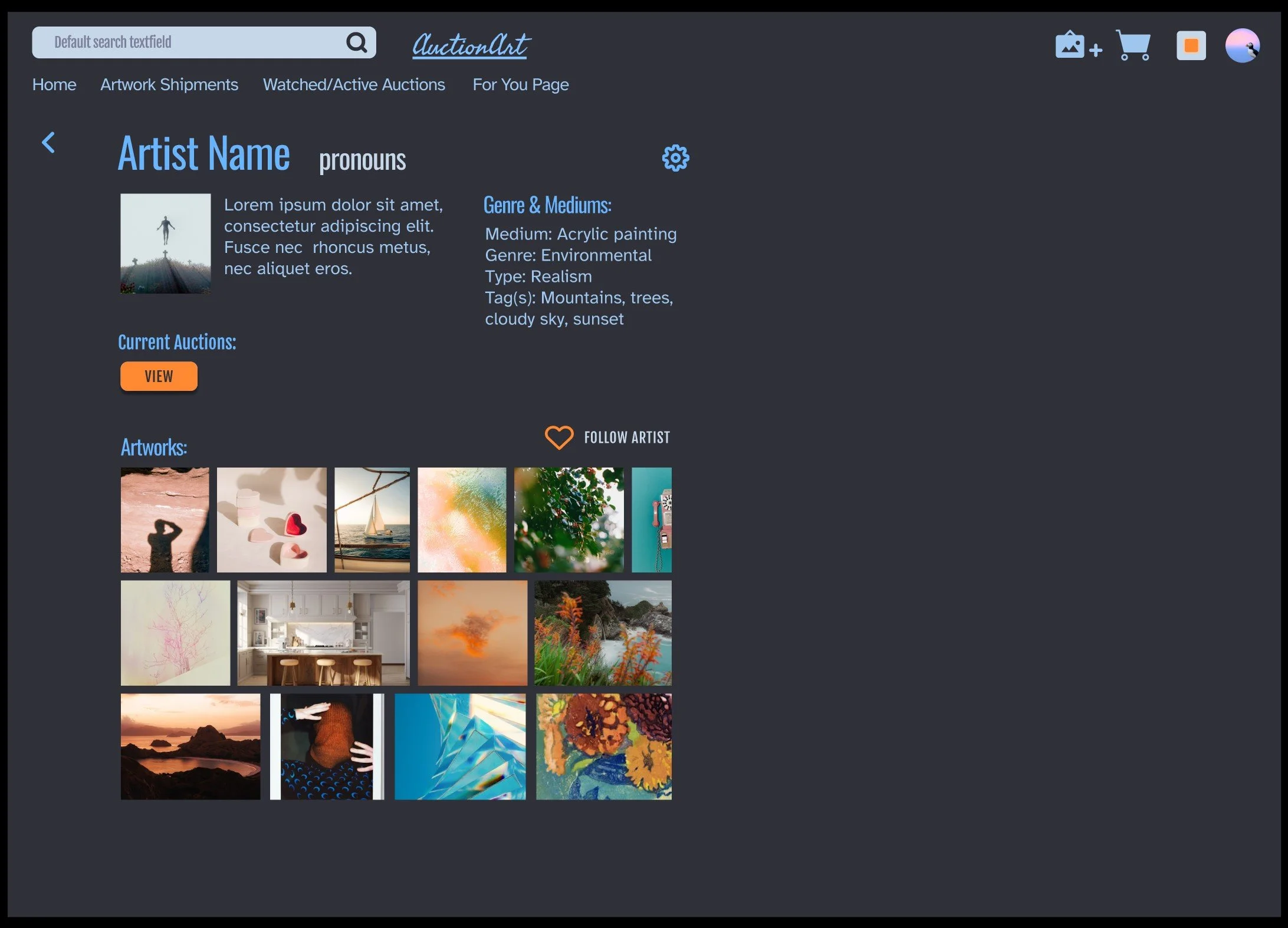
From there, I focused on making the process of bidding, keeping track of, and purchasing artwork as simple as possible. The result is AuctionArt! Here are some screenshots from the app, designed after the paper prototypes you saw above.
Chakra Flow
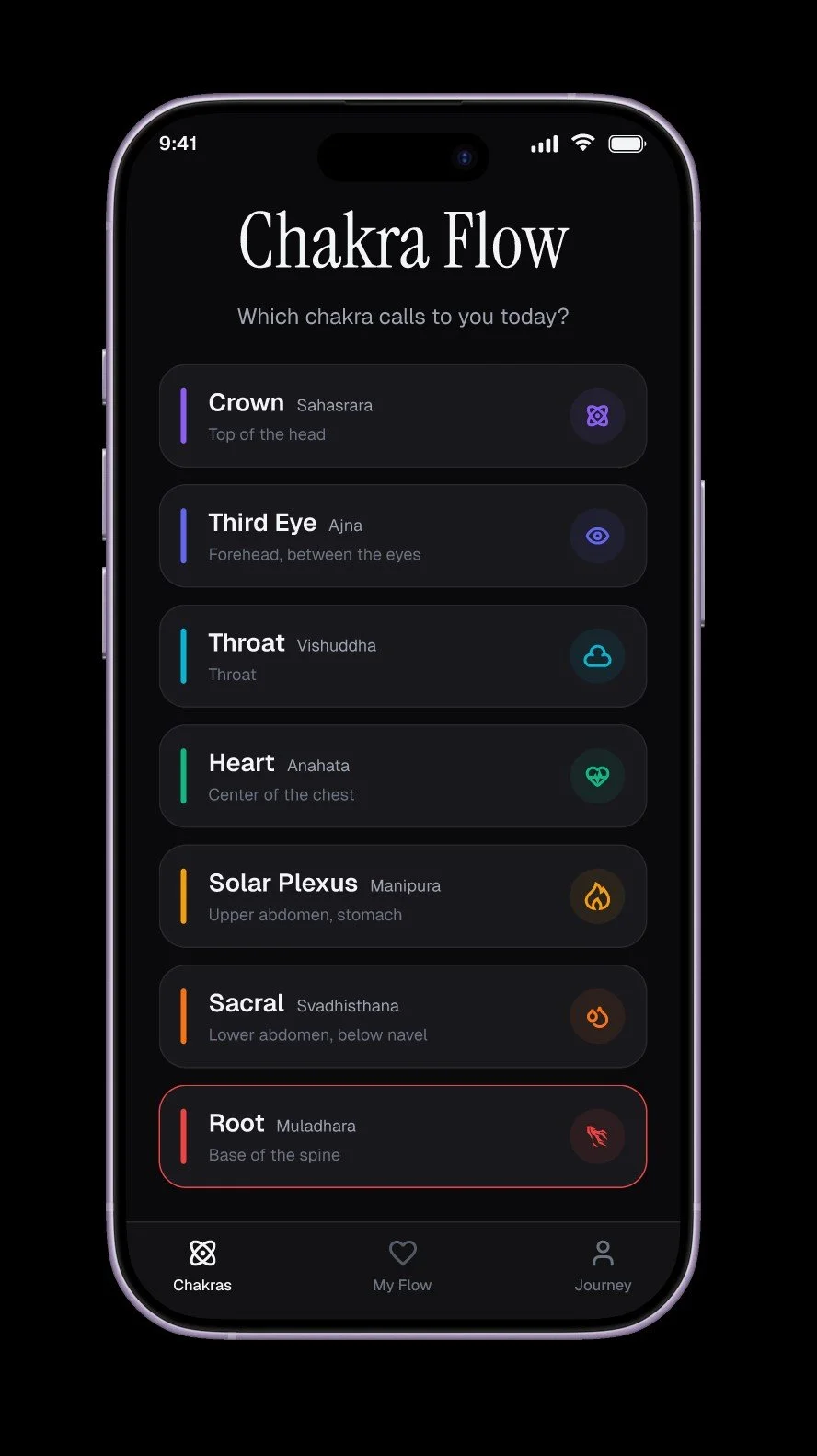
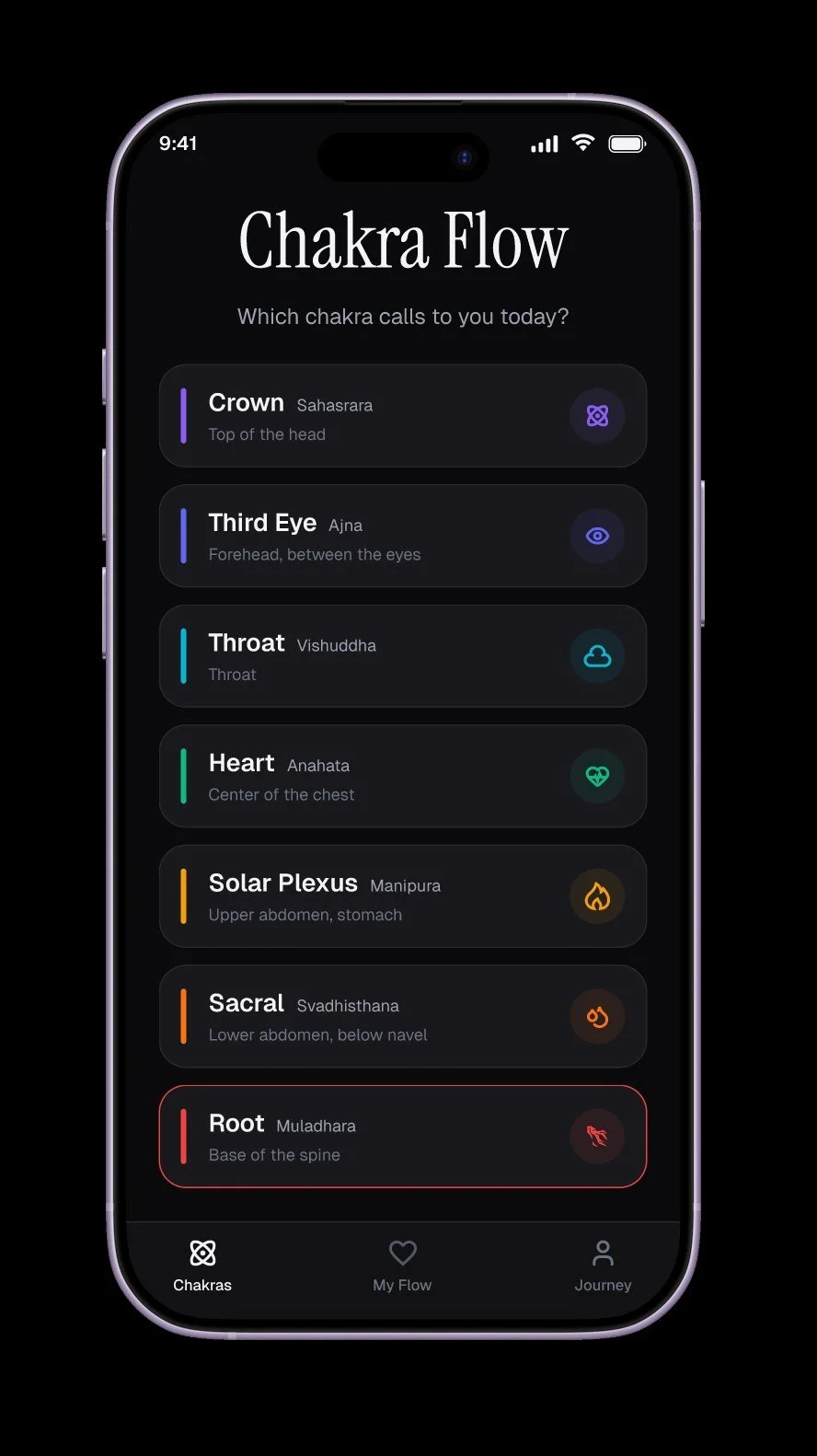
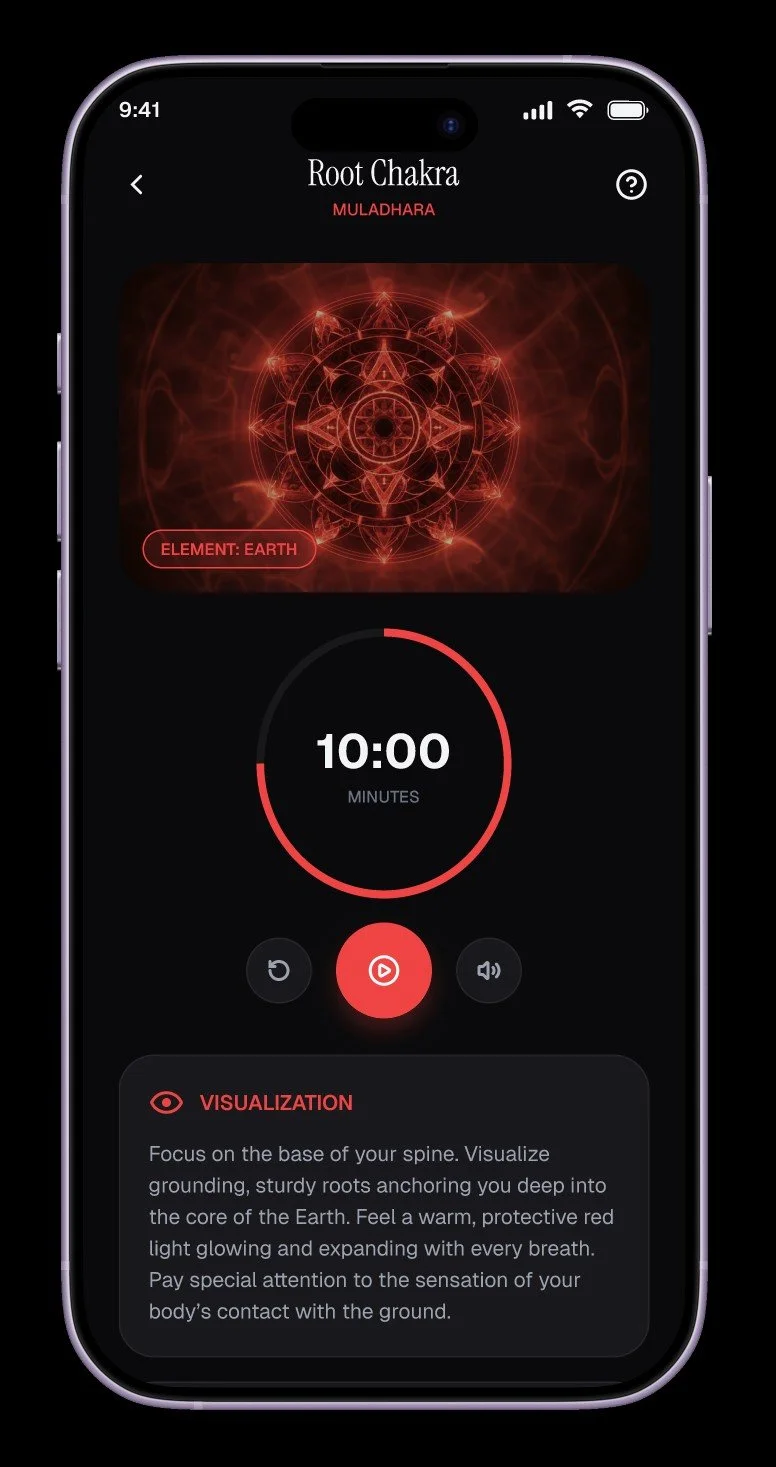
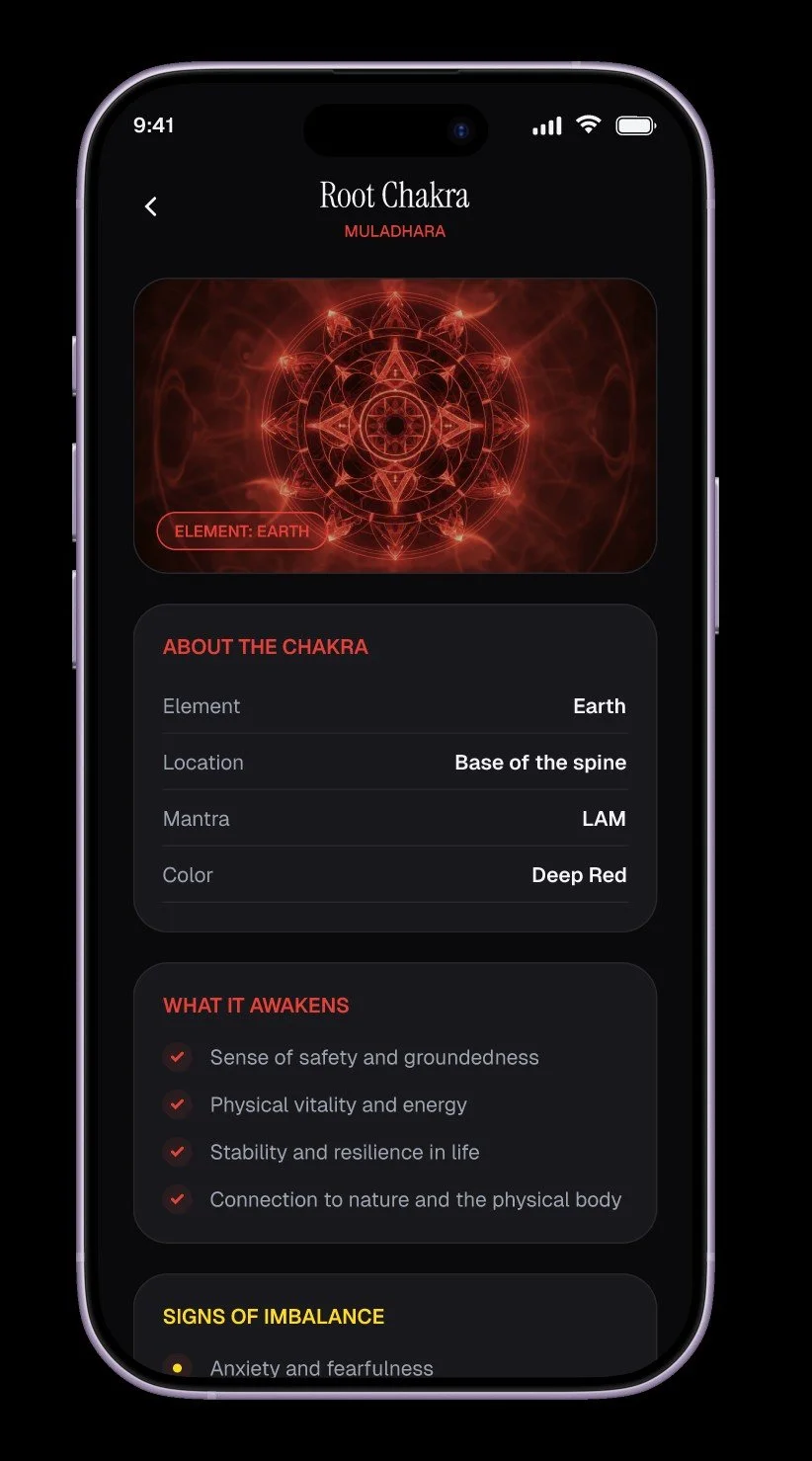
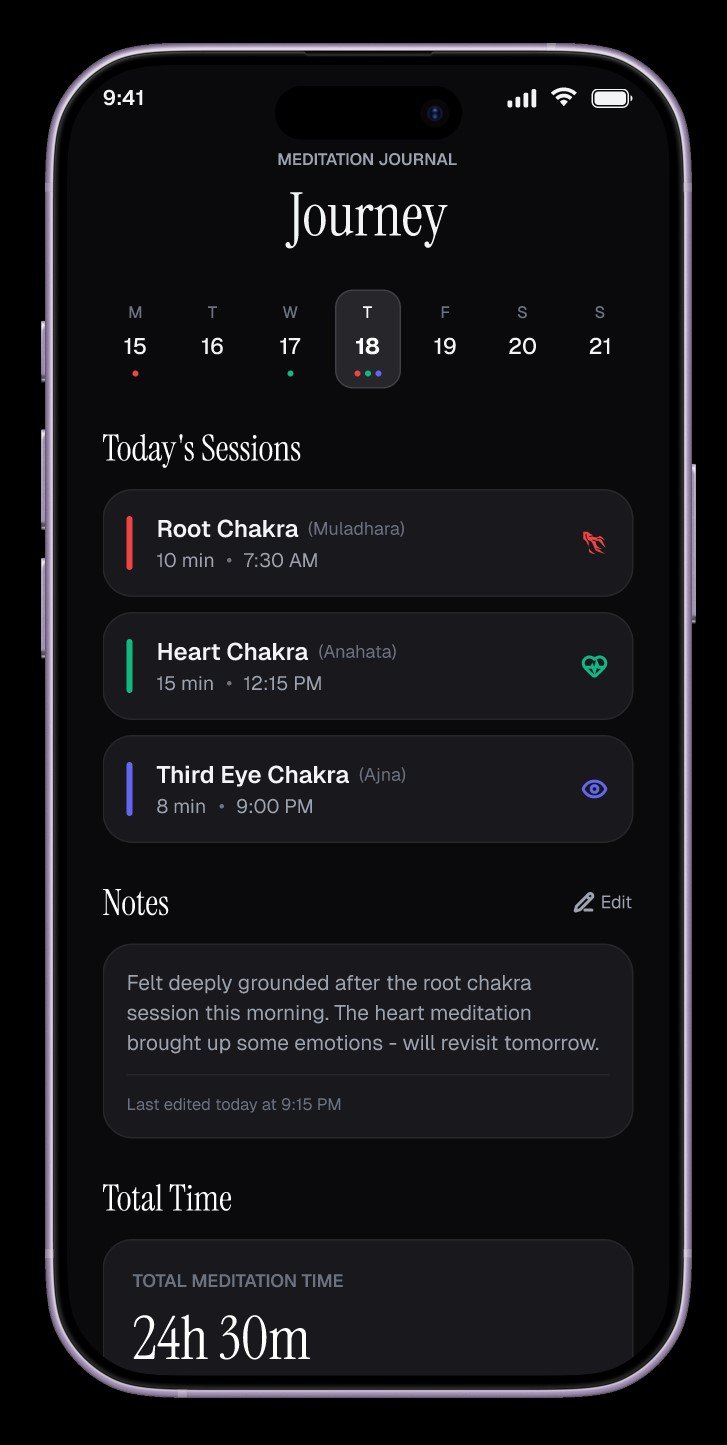
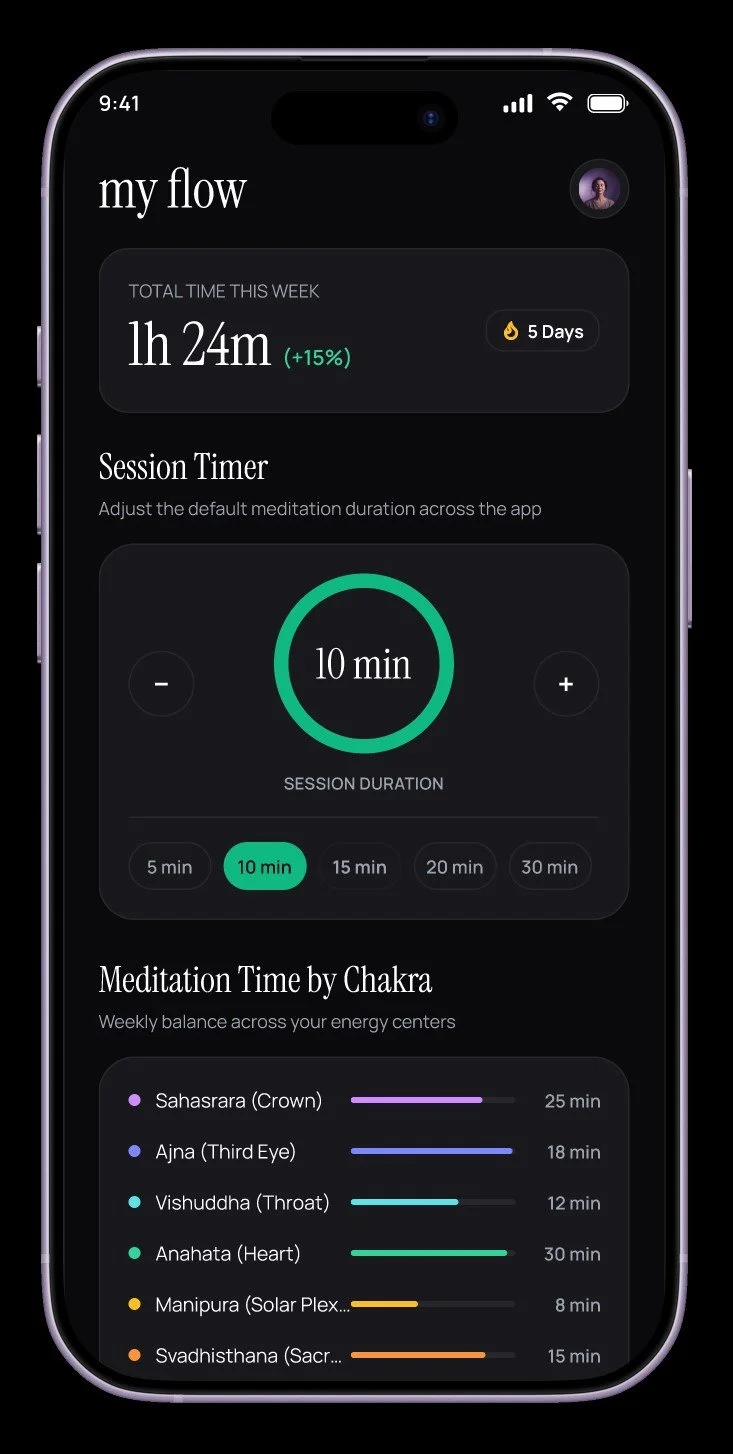
This app was designed based on a drive to streamline chakra-based meditations. I found a lot of healing in this type of meditation, but found the process of keeping all of the information together and accessible cumbersome.
Upon hearing about the prevalence of AI in UX design, I hesitatingly wanted to dip my toes into this design process with Figma’s AI. The results were above my expectations — I loved that it gave me a solid foundation to start from!
I wanted to create a streamlined app that included all of the information about chakra meditation and visualization, with sounds to aid meditation, to help anyone even remotely interested get acquainted with this type of meditation.
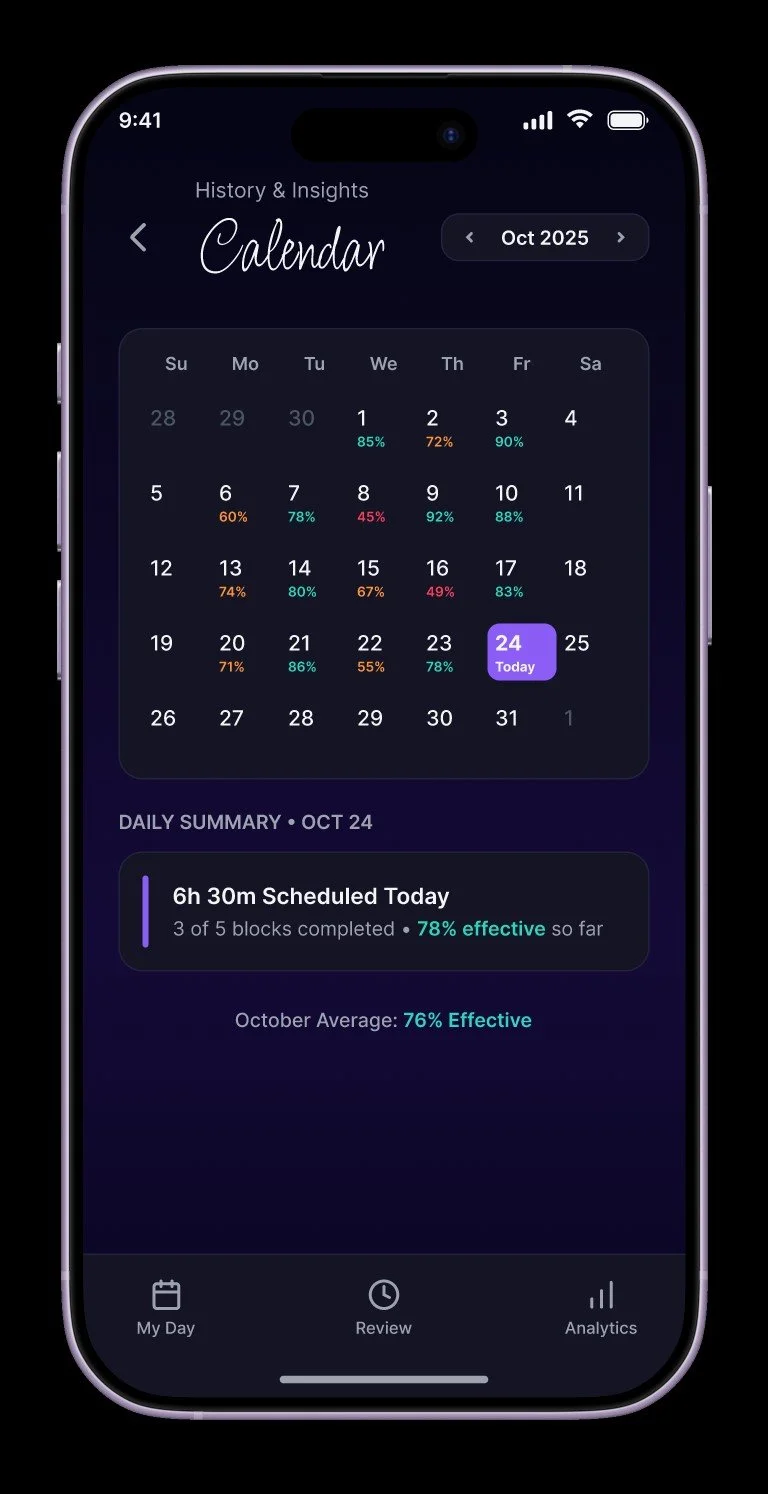
Productive Time-Blocking
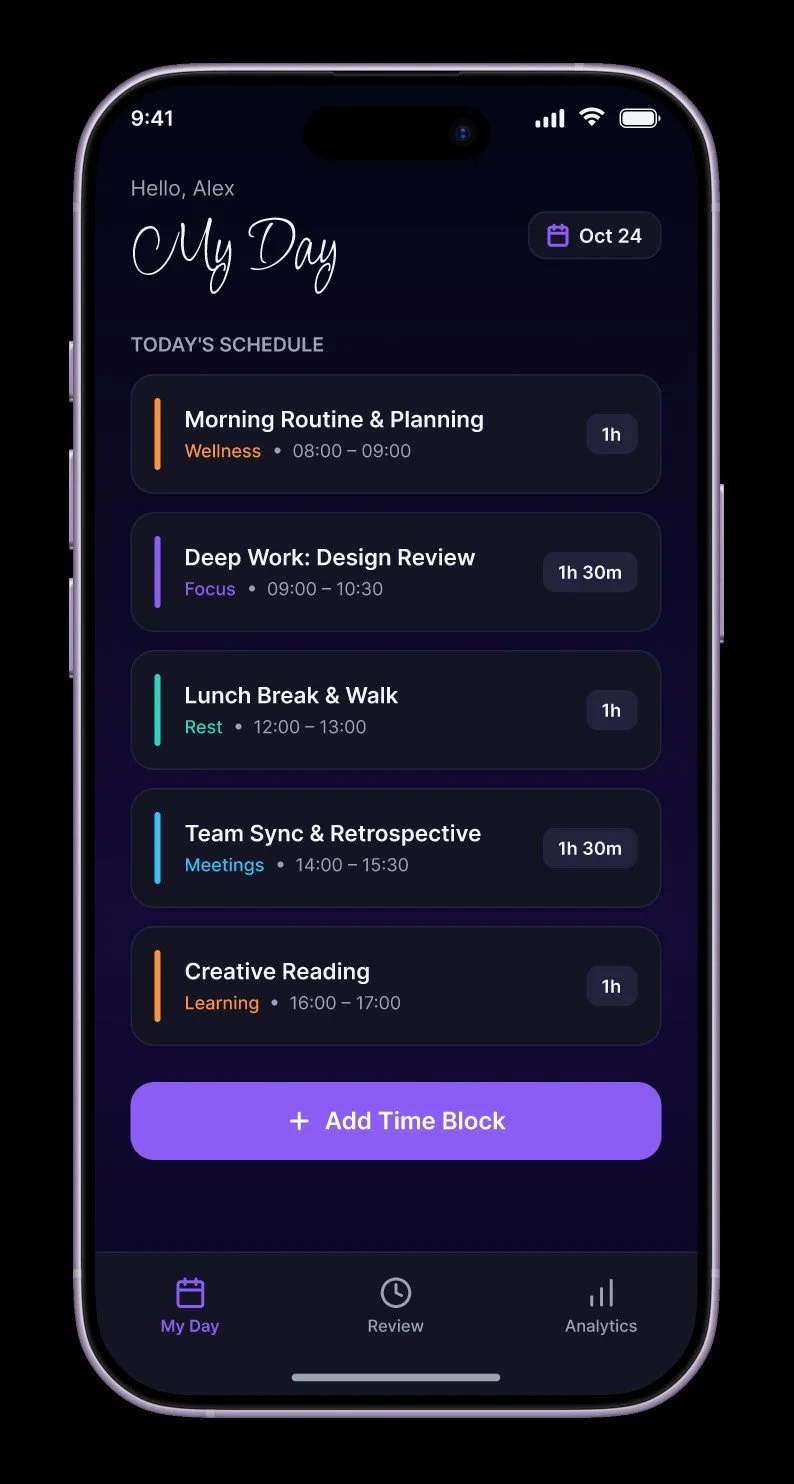
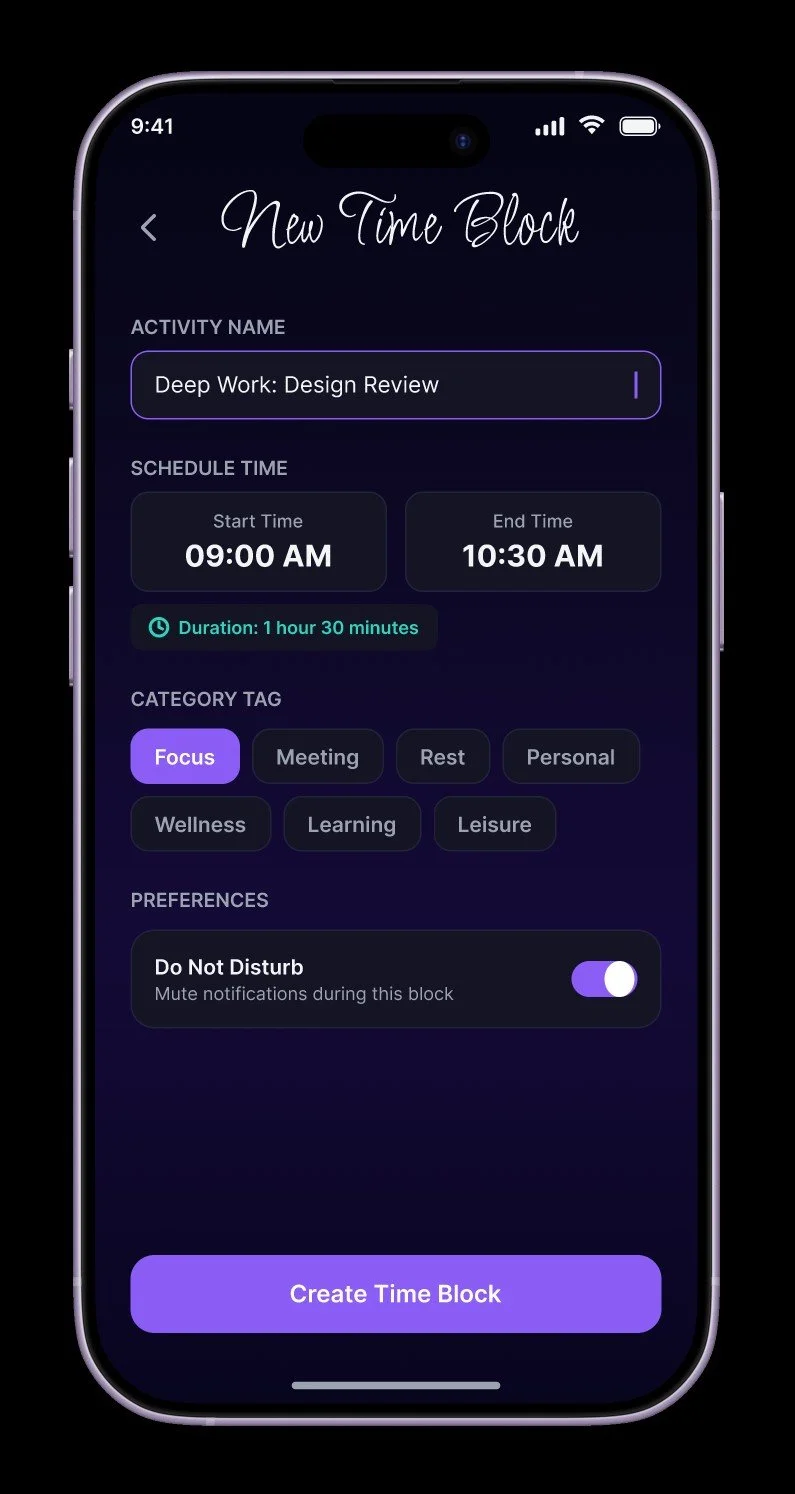
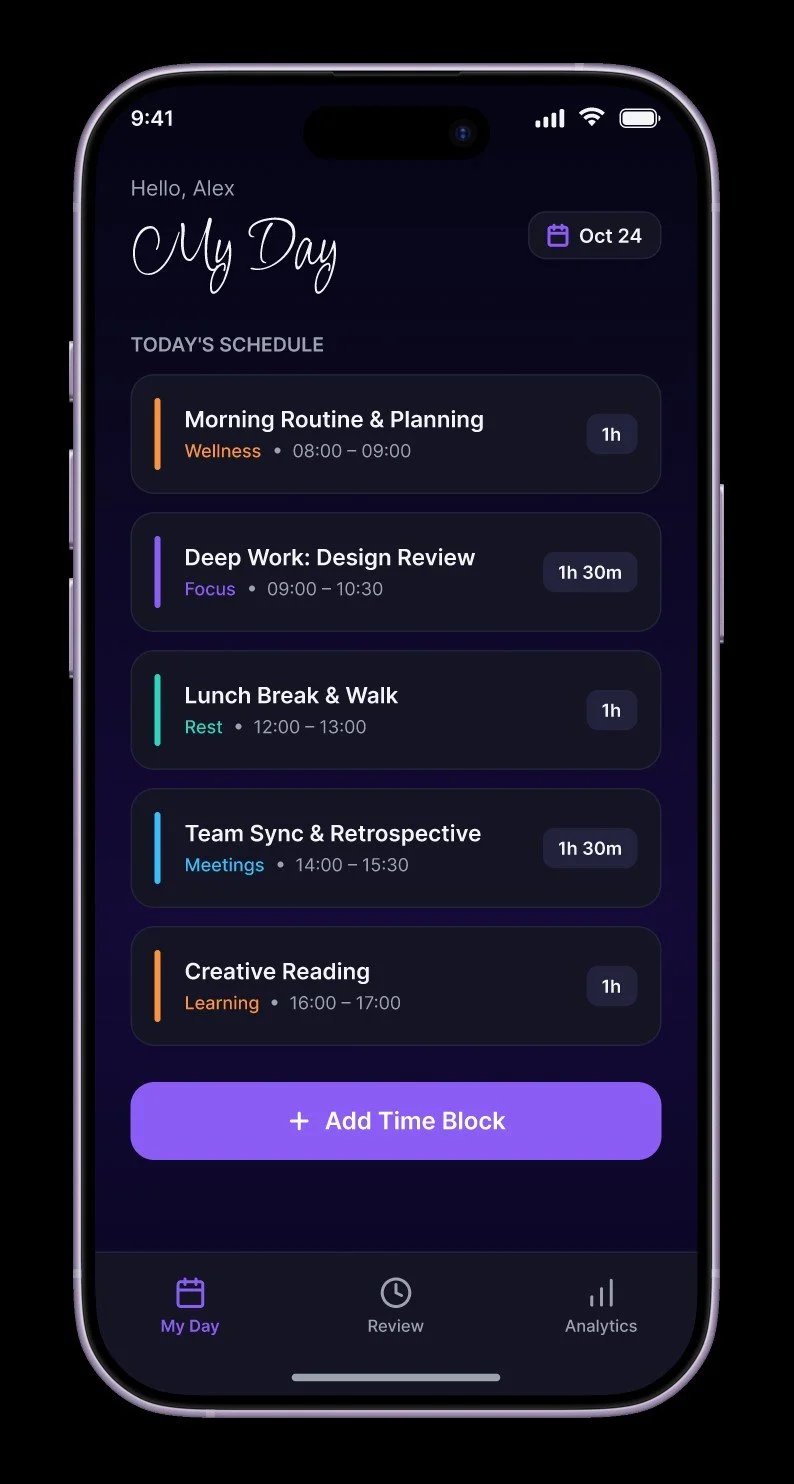
As someone who has trouble staying on task and tracking my productive time, I wanted to create an app that would help with both of these tasks.
Another foray into Figma’s AI design system, I started with a simple base and expanded from there.
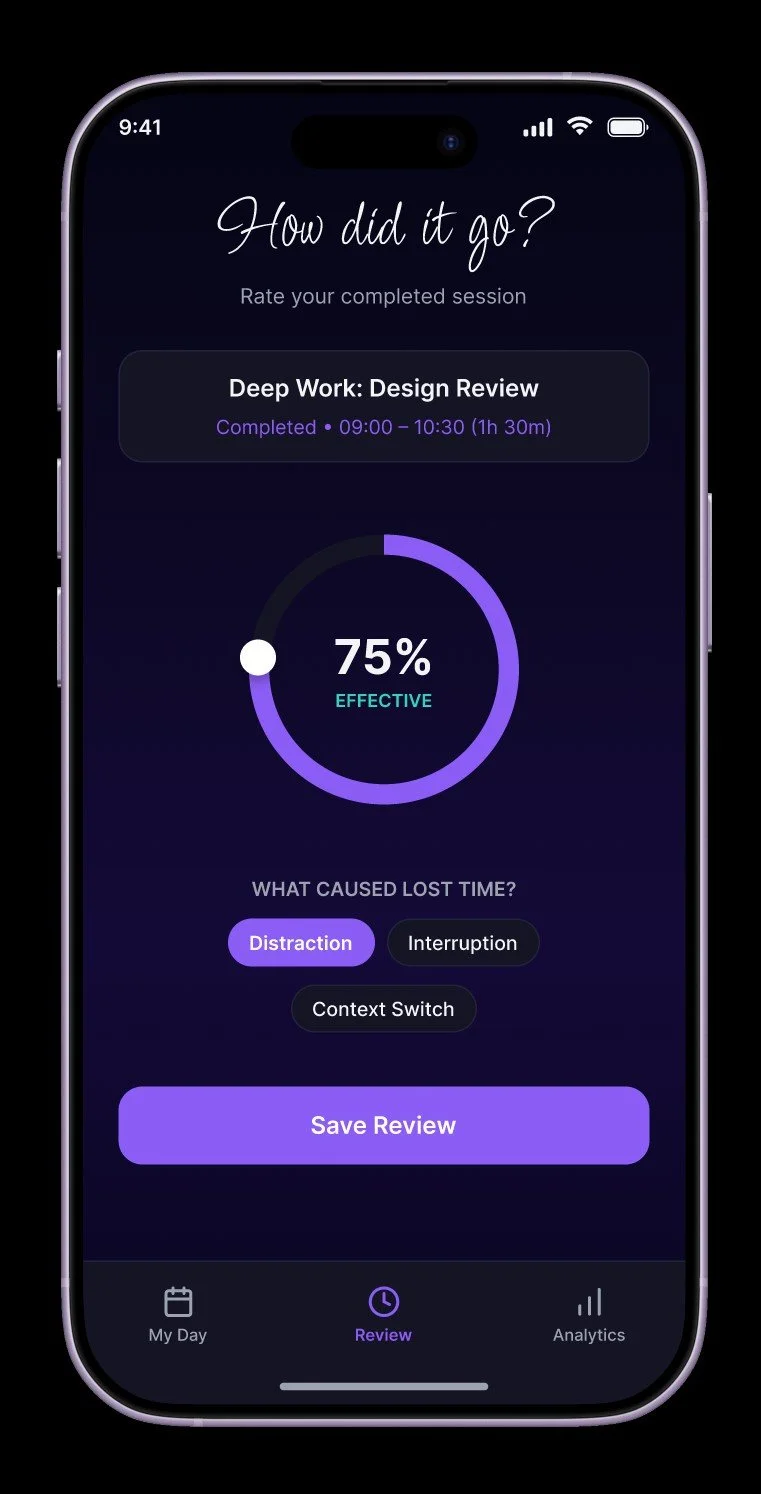
I wanted this app to remain simple and easy to use, with only a few screens, all very easily-accessible. Each time block that completes has a review screen that allows the user to rate their productive time, and note anything that took them from their work.
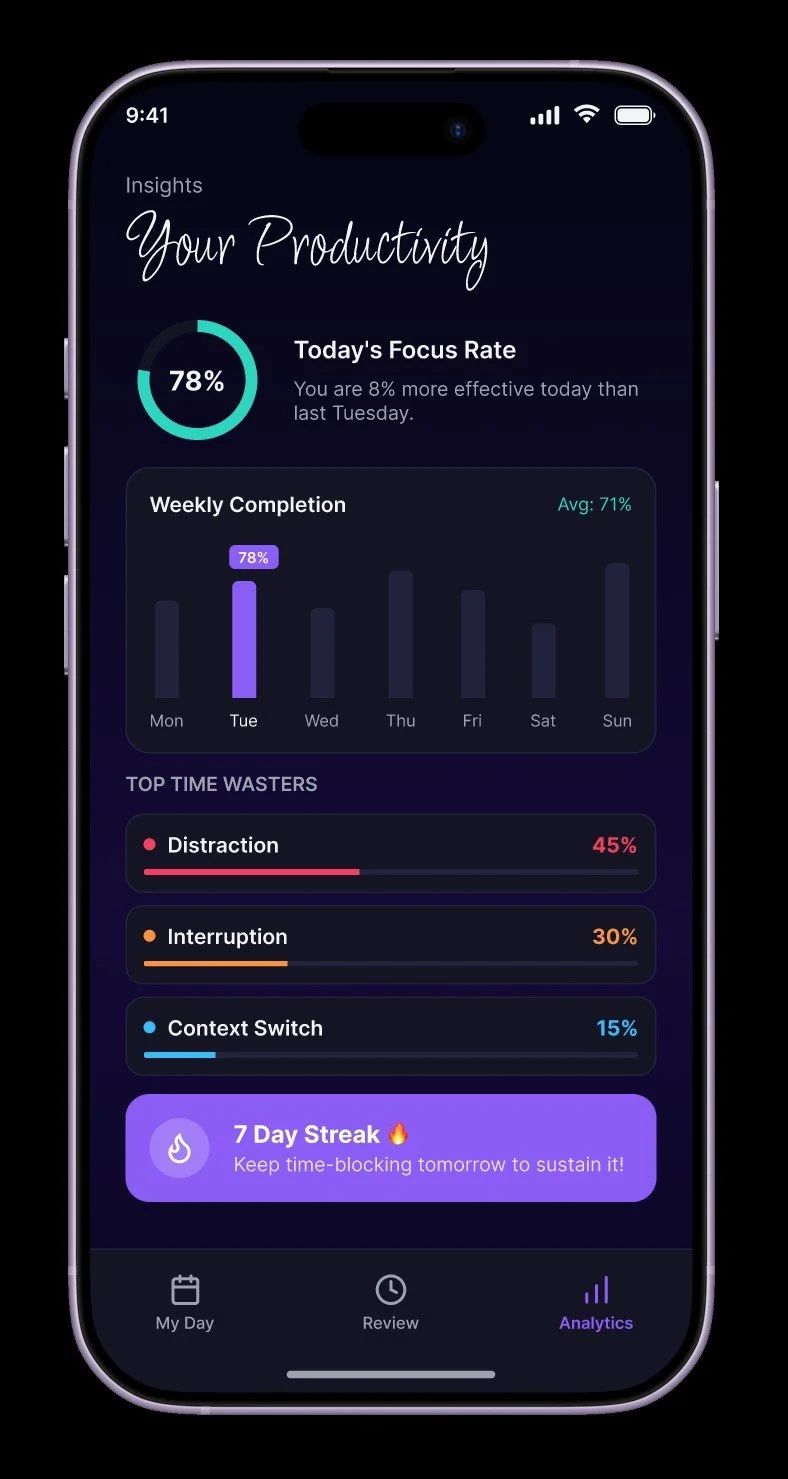
All of the data would be saved and the percentage of productive time is tracked overall. This would give the user a great metric to increase their productive time, and identify their problem areas.